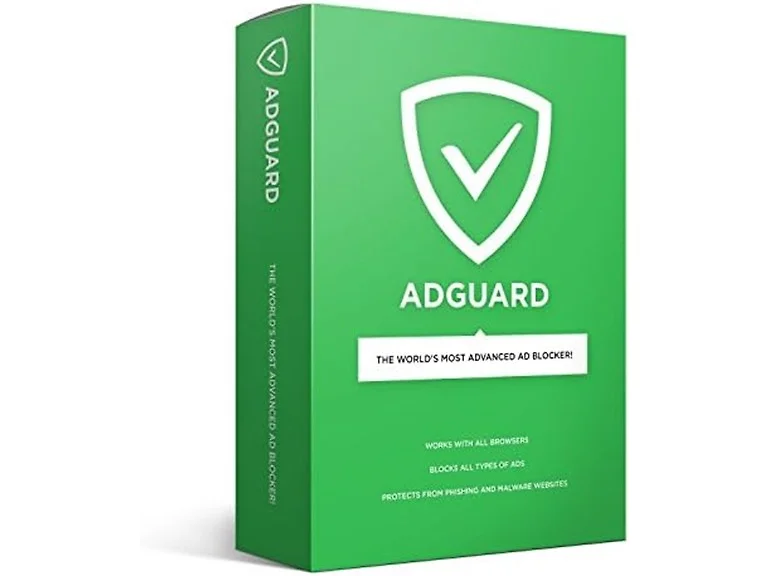
AdGuard: Personal - Lifetime Subscription - 3 devices
Last price
$9.99
- Listed on Woot
- 7 times, see the price history
Woot sometimes relists sold-out deals. A keyword alert tells you when.
Price history
7 runs on Woot
- Lowest
- $9.99
- Highest
- $9.99
- $9.99 (lowest)
- $9.99 (lowest)
- $9.99 (lowest)
- $9.99 (lowest)
- $9.99 (lowest)
- $9.99 (lowest)
- $9.99 (lowest)
Key features
-
Ad blocking in any browser and even program (Skype and etc.)
-
Protection against malicious and phishing websites
-
Privacy protection, prevention of tracking of your actions online.
-
Parental control : filtering of obscene materials.
-
Protects up to 3-devices
-
Windows : https://adguard.com/en/adguard-windows/overview.html
-
Mac : https://adguard.com/en/adguard-mac/overview.html
-
Android : https://adguard.com/en/adguard-android/overview.html
-
iOS : https://adguard.com/en/adguard-ios/overview.html
-
Once the install completes, click "Leave settings as is" and Click Ok (you can configure these later)
-
Click on Activate License button (below the "Buy" and "Create an account" buttons)
-
Click "Activate" and then enter License Key you received
-
Copy and Paste your License Key into the License Key Field and Click Activate License.
About this deal
ATTENTION: Your redemption code will be delivered as tracking number within a few business days. You will receive your serial number(s) to authorize and register your product as your tracking number.
Protect all your devices and surf the Web safely!
Note: Once you receive your voucher code via e-mail, no refund will be issued. If you experience an issue, contact our customer service within 90-days.
REDEMPTION INSTRUCTIONS First thing you’ll want to do is create an account. This is easiest from a browser. Go to https://auth.adguard.com/login.html to create your account Installing Software Download and install the AdGuard Software for Windows or MacOS or the AdGuard App for iOS or Android: After downloading and the installation is complete, follow the below steps: Extending Existing Account 1. Log in to your existing account 2. Go to "Licenses" and the "Bind License" 3. Enter the code in the text box
More Software deals
See what else is on sale in this category right now.